Pipedrive features
Pipedrive CRM has all the features you need to manage your business, from making the first contact to closing the deal.


The basic Pipedrive plan already includes everything you need
to start managing customer relationships, organise your time better, and be fully in charge of your business processes. Pipedrive will become your one stop shop for all your sales and marketing activities, giving you overview of all your meetings and deadlines as well as the status of individual business cases.
Most popular features of Pipedrive CRM
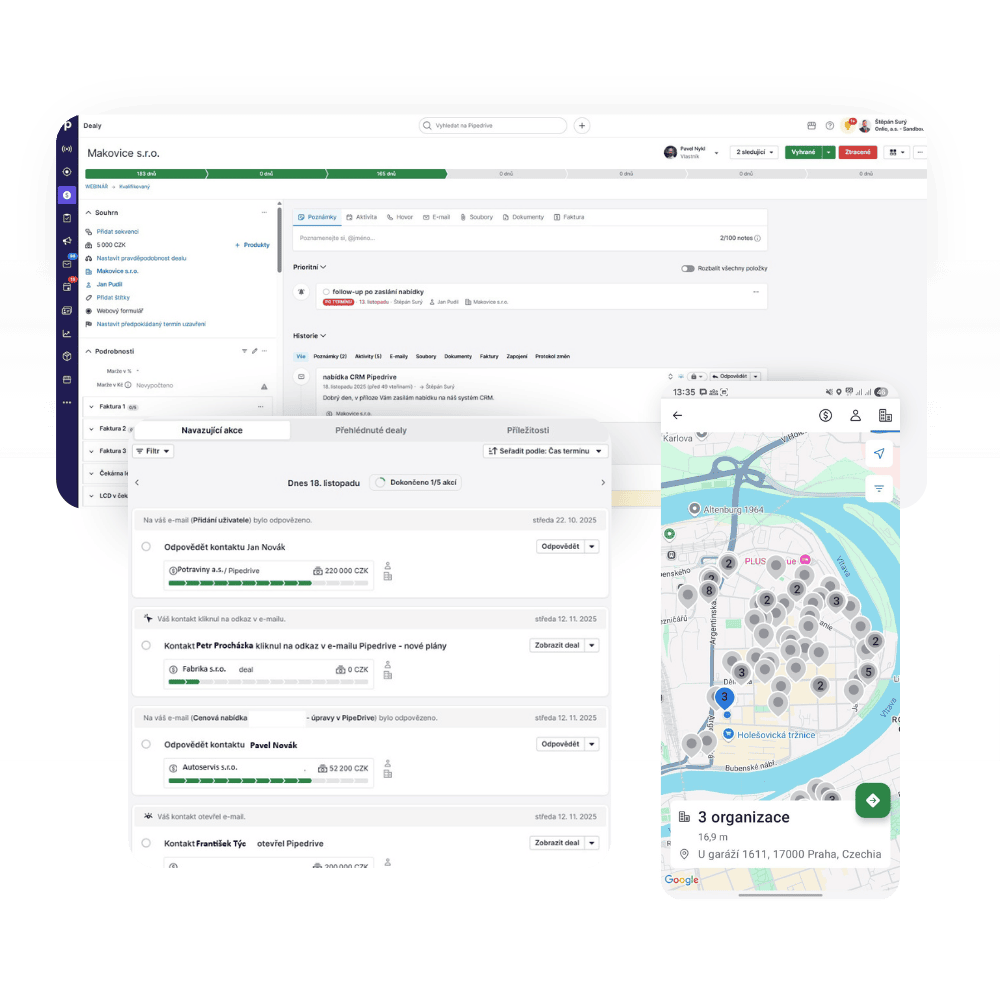
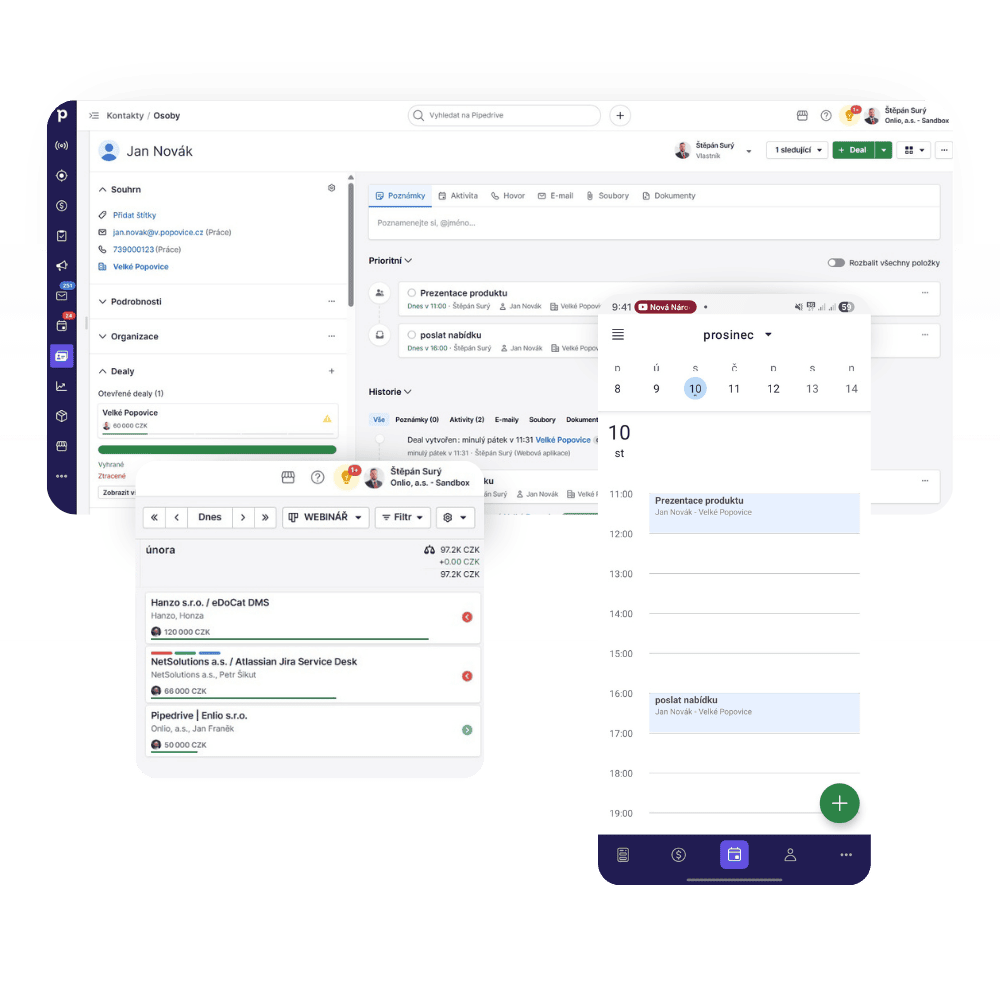
Two-way email and calendar synchronisation
Get rid of endless retyping, copy + paste, and calendar confusion. Pipedrive CRM takes care of synchronisation and links emails and meetings to specific contacts.
Automation for a simpler life
Let Pipedrive work for you. The system automatically creates meetings in your calendar, sends emails, reminds you of follow-ups, and much more.
Smart features boosting sales
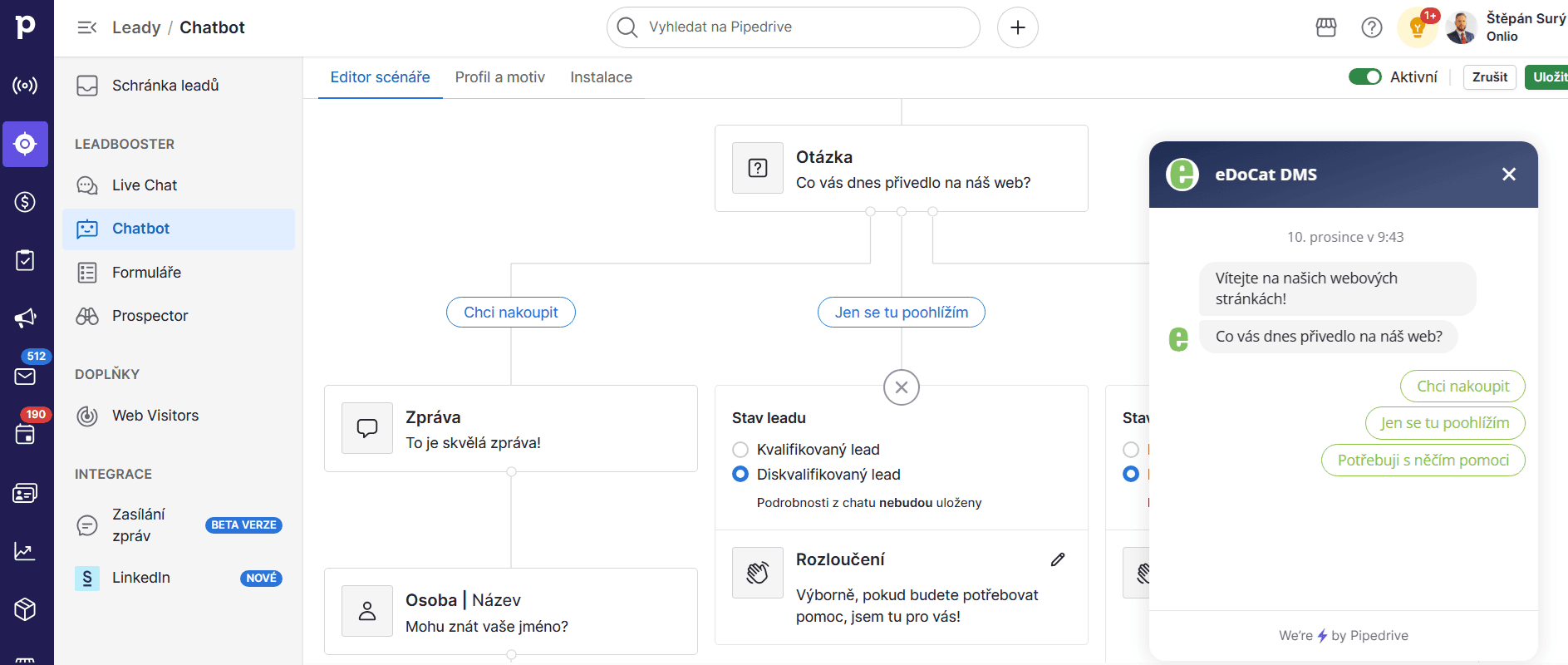
Automatically collect leads using web forms, chatbots, and website visitor tracking to get more data and improve your activities.
Automatic activity scheduling
With Pipedrive CRM, you’ll never forget to call an undecided customer again. Thanks to activity scheduling, the system will remind you to follow up on your leads.
Reporting
Keep track of what’s happening with customers and with your colleagues’ activities. Reporting gives you information to decide where to focus your energy, and consequently, helps boost your sales.
Data security
Pipedrive CRM naturally considers cybersecurity. With two-factor authentication, access control, and other security features, you can be sure your business data stay safe.
Mobile apps for iOS and Android
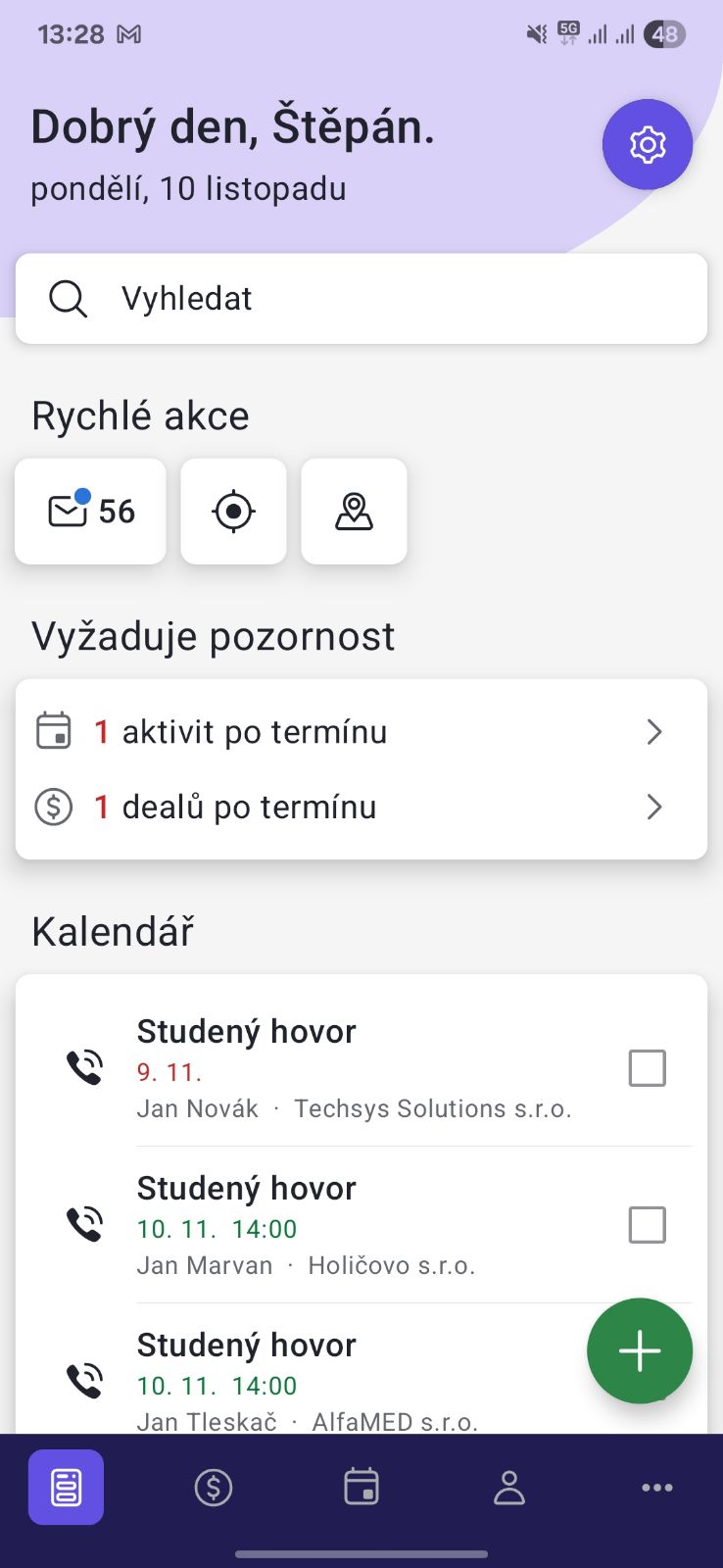
Being away from your PC won’t limit you anymore. With the mobile app (available in Czech), you can quickly manage your CRM. You can even record your meetings instead of writing your notes manually.
Integration with other applications
Zoom, Slack, Teams… Pipedrive connects to the apps you use daily, so you have all your information at one place.
FAQ – frequently asked questions about Pipedrive features
Why synchronise your calendar with CRM?
Synchronising Pipedrive with your calendar (Google, Exchange, Outlook, Office) saves you time and makes communication smoother. You’ll see all scheduled meetings both in the CRM dashboard, at the given customer’s page, and in your calendar. You won’t miss a single meeting or call.
What can Pipedrive automate?
Pipedrive CRM includes various automations – from process automation and routing new leads to your sales team to automated sequences such as email or follow-up reminders. We are happy to help you set up automations.
What reports will I have available?
You can choose from a variety of templates or create your own reports. For example, you can choose from sales performance, turnover forecast or team performance. With just a few clicks, you have the information you need to decide which clients and activities to focus on.
How secure is my Pipedrive account?
Pipedrive uses AES-256 encryption, proven Rackspace infrastructure and AWS – all of which leads to secure data storage. Thanks to two-factor authentication and the ability to set login alerts or limit account permissions, you don’t have to worry about unauthorised access to your account
What tools can I integrate with Pipedrive?
Pipedrive offers over 500 integrations. You can integrate your CRM with Google or Microsoft tools, as well as specialised platforms like Mailchimp or online payment gateways.
Not sure which features to use? based on your business processes and focus
Fill out the form below and we’ll get back to you within two business days.